

When people spend hours looking at digital screens, one question often comes up: Is LED display good for eyes? The short answer is yes, but with some important considerations. LED displays themselves do not cause permanent eye damage or eye diseases, but factors like excessive brightness, screen flicker, blue light exposure, and long viewing time can contribute to digital eye strain and discomfort. A high-quality LED display with proper brightness control, stable performance, and eye-friendly technology can provide a much more comfortable viewing experience.
The question “Is LED display good for eyes?” is often misunderstood because people usually focus only on the word “LED.” However, the LED technology itself is not the only factor that affects eye comfort. The actual experience depends on how the display controls brightness, how stable the image is, and how users interact with the screen every day.
For example, two LED displays may look similar but feel completely different after several hours of viewing. One may provide smooth, stable images with comfortable brightness, while another may cause eye fatigue because of flickering, excessive brightness, or poor calibration. This is why professional display applications such as meeting rooms, classrooms, retail environments, and control centers increasingly pay attention to display quality beyond resolution and size.
Blue light is one of the biggest concerns surrounding LED displays. However, scientific research does not show that normal exposure to LED screens causes permanent eye damage, such as retinal disease, cataracts, or macular degeneration. The amount of high-energy visible blue light produced by typical digital displays is relatively low compared with natural sunlight exposure.
That does not mean blue light has no effect. Blue light, especially wavelengths around 460–480 nm, can influence the body’s natural sleep cycle by reducing melatonin production. This is why using bright screens for long periods before bedtime may make it harder to fall asleep. The issue is not that LED displays damage your eyes, but rather that the timing and intensity of screen exposure can affect comfort and daily habits.
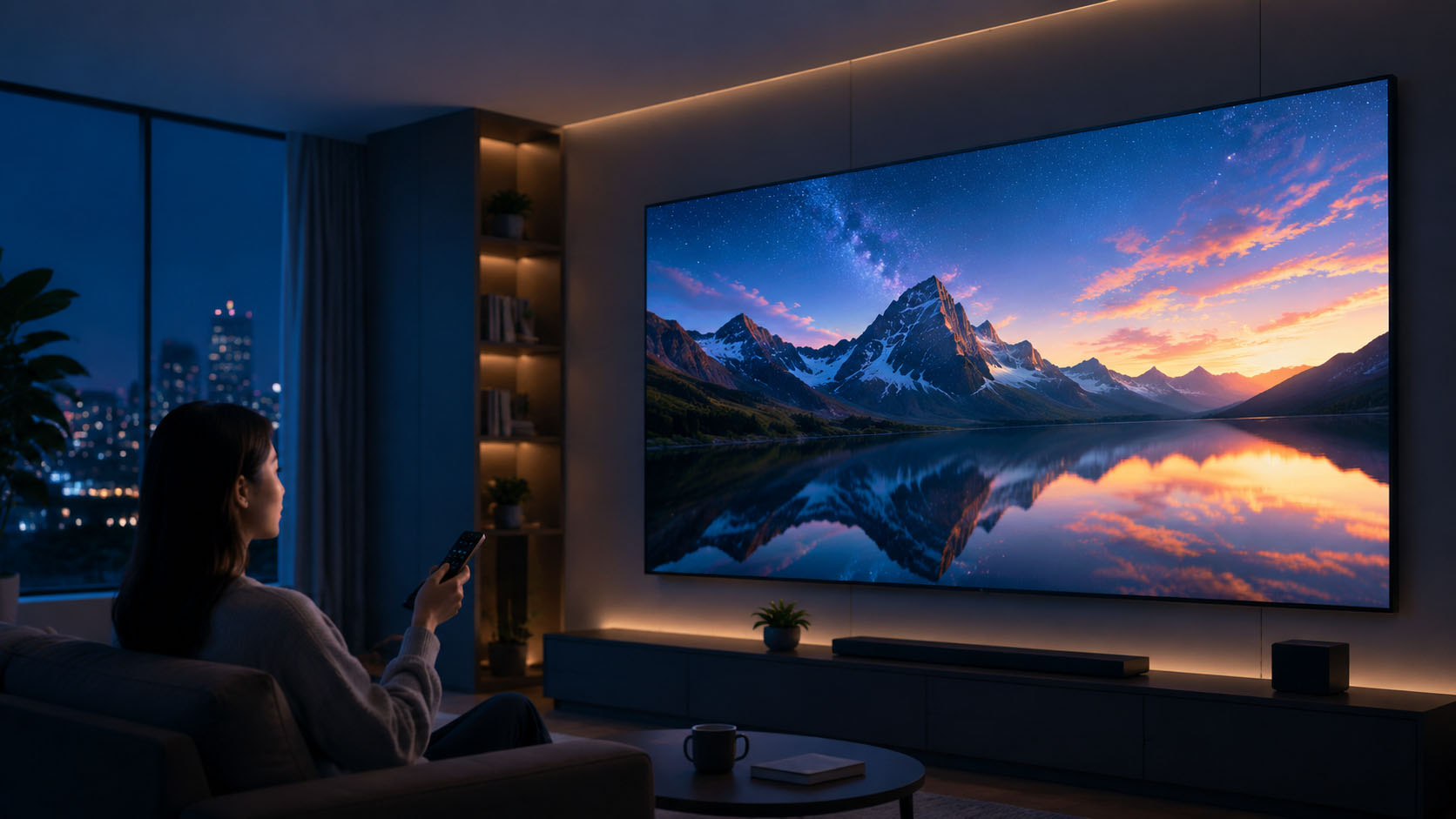
Most people who experience eye discomfort after using screens are dealing with digital eye strain rather than eye damage. Interestingly, the main cause is often related to how we use displays instead of the display technology itself.
When focusing on a screen, people naturally blink less. A normal person may blink around 15–20 times per minute, but this rate can drop significantly during concentrated screen use. Fewer blinks cause the tear film on the eye surface to become unstable, which can lead to dryness, irritation, and blurry vision.
Another reason is that our eyes are constantly working to maintain focus on a fixed distance. Spending several hours looking at the same screen forces the eye muscles to remain active, which may result in tired eyes, headaches, or difficulty shifting focus between near and far objects.
Besides blue light, display flicker is another important factor that affects eye comfort. Many LED and OLED screens use Pulse Width Modulation (PWM) to control brightness. This method adjusts brightness by rapidly switching the light source on and off. Although most people cannot see this flicker directly, sensitive users may still experience discomfort, including eye strain, headaches, or migraines.
A better solution is DC dimming, which controls brightness by adjusting the electrical current instead of rapidly turning the light source on and off. This creates a more stable viewing experience and reduces the visual stress associated with flicker. For professional LED displays used in offices, education spaces, exhibitions, and commercial environments, flicker-free performance is becoming an increasingly important feature.
|
Display Technology |
Eye Comfort |
Advantages |
Possible Issues |
|
LED-backlit LCD |
Good with quality models |
Bright, widely used, stable performance |
Low-quality models may have flicker |
|
OLED |
Depends on user sensitivity |
Excellent contrast and image quality |
Some models use PWM dimming |
|
E-Ink |
Very comfortable |
Uses reflected light and produces no direct glare |
Not suitable for video applications |
|
Professional LED Display |
Comfortable with proper design |
Large format, high brightness, flexible applications |
Requires good brightness and calibration |
Different display technologies provide different experiences. E-Ink displays are often considered the most comfortable because they reflect ambient light instead of producing direct light. However, they cannot replace LED displays for applications that require large images, dynamic content, or high visibility. For commercial and professional environments, a well-designed LED display remains one of the most practical solutions.
Using an LED display comfortably is not only about choosing the right product. Daily usage habits also make a big difference. Following the 20-20-20 rule is one of the simplest ways to reduce eye fatigue: every 20 minutes, look at something about 20 feet away for 20 seconds to relax your focusing muscles.
Brightness adjustment is also important. A screen that is too bright in a dark room creates unnecessary stress because your eyes constantly adjust between the display and the surrounding environment.
When choosing an LED display, pay attention to features such as flicker-free technology, high refresh rate, stable brightness control, and professional calibration. These details often have a greater impact on viewing comfort than simply choosing a higher resolution screen.
No. Current research does not show that normal LED display usage causes permanent eye damage. Most discomfort comes from digital eye strain caused by long viewing periods, reduced blinking, improper brightness, or display flicker.
Blue light from normal LED displays is not considered dangerous to the eyes at typical exposure levels. However, using bright screens before sleep may affect your natural sleep cycle.
Many LCD displays already use LED backlighting, so the difference depends more on display quality. Flicker control, brightness stability, and viewing conditions usually matter more than the display category itself.
A more comfortable LED display usually includes flicker-free technology, high refresh rate, stable brightness, and proper calibration to reduce visual fatigue.
Take regular breaks, adjust brightness according to your environment, maintain a proper viewing distance, and choose displays with better flicker control.
So, is LED display good for eyes? The answer is that a well-designed LED display can provide a comfortable viewing experience, while poor display quality and incorrect usage habits are usually the real causes of eye discomfort.
For businesses using LED displays in meeting rooms, retail stores, schools, exhibitions, or events, choosing a reliable display with stable brightness, high refresh rate, and flicker-free performance can make every viewing experience more comfortable.
Explore CLT’s professional LED display solutions to discover displays designed for clear visuals, reliable performance, and better user experiences.
2026.07.28
2026.07.24

2026.07.22
2026.07.15
2026.07.07
 中文
中文 English