

An LED display is a flat-panel video screen that uses an array of light-emitting diodes as pixels to project bright, vibrant visuals. Unlike traditional LCDs that require a separate backlight, LED displays emit light directly from each pixel, making them best for seamless, large-scale commercial video walls, high-impact outdoor billboards, and bright indoor corporate spaces.
To truly understand what an LED display is, we need to separate it from the "LED TV" sitting in your living room. A standard consumer LED TV is actually just an LCD screen that uses LEDs around the edges or back purely for illumination.
A true commercial LED display (often called a Direct View LED or DVLED) is entirely different. On these screens, the LEDs are the image. Millions of microscopic red, green, and blue (RGB) diodes are mounted directly onto the panel surface. When these diodes receive an electrical signal, they blend together to create the exact color and image you see, eliminating the need for any restrictive liquid crystal layers or filters.
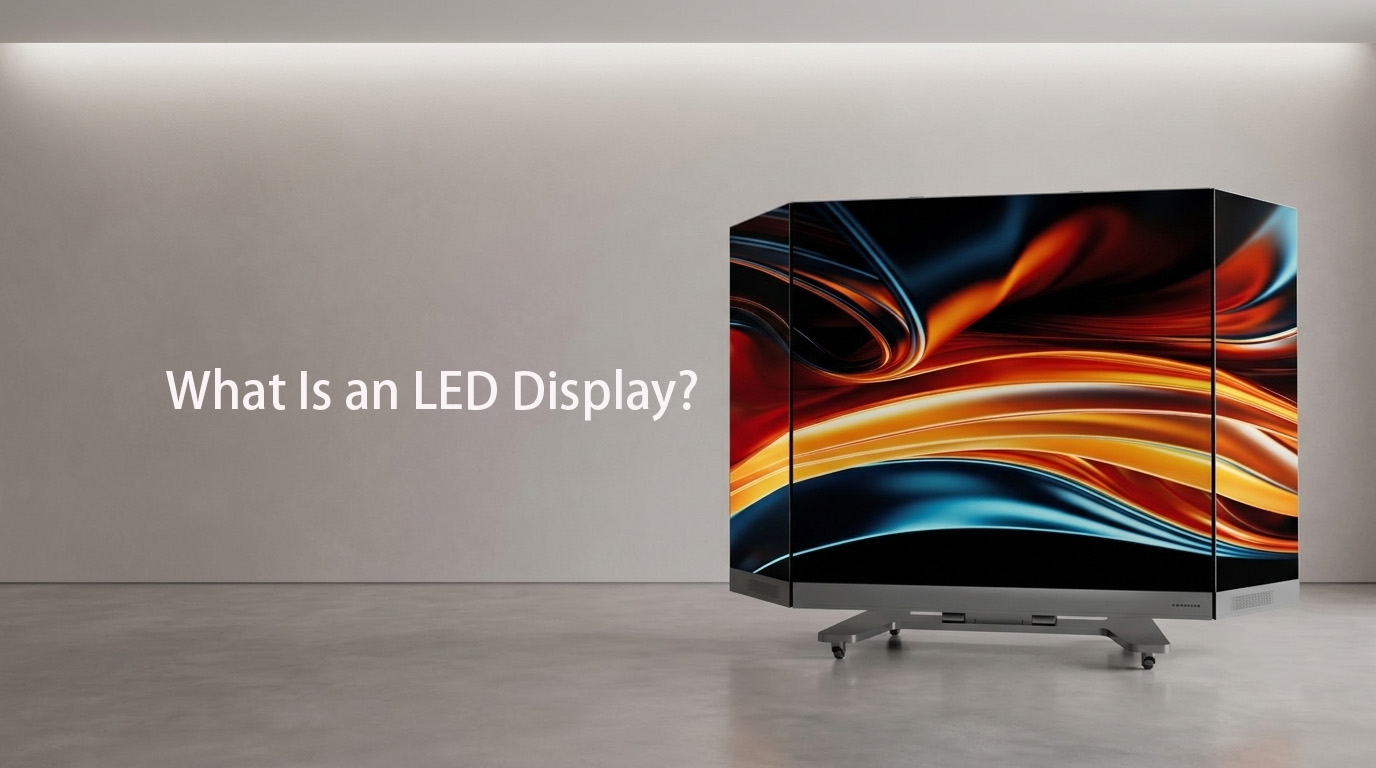
The core mechanics of an LED display come down to three fundamental components working in perfect harmony:
The LED Packaging (SMD vs. COB): The tiny diodes are either packaged as Surface Mounted Devices (SMD), where individual lamp beads are soldered to a board, or via advanced Chip-on-Board (COB) technology, where bare micro-chips are mounted directly to the substrate for a completely flat, ultra-durable finish.
Pixel Pitch: This is the center-to-center distance between two adjacent pixels, measured in millimeters (e.g., P1.2, P2.5). A smaller pixel pitch means the pixels are packed tighter together, delivering higher resolution and allowing viewers to stand much closer without seeing individual dots.
The Control System: Sending a video file to an LED wall isn't like plugging in an HDMI cable to a monitor. A dedicated sending box translates the video signal into data packets, which are distributed via receiver cards to every single module, ensuring perfect synchronization across thousands of pixels.
When choosing a display for a high-traffic environment or corporate lobby, the LCD vs. LED debate always comes up. While LCDs are cost-effective for smaller, standalone screens, they quickly fall short when scaled up.
Because LCDs rely on backlighting filtered through layers, they struggle to achieve true blacks (since the backlight always leaks through a bit). LED displays simply turn off individual pixels to achieve absolute darkness, resulting in an infinite contrast ratio. Furthermore, stacking LCD monitors together leaves you with ugly plastic borders (bezels) cutting through your content, whereas LED panels lock together with zero gaps.
Because of their modularity and intense brightness, LED displays are the go-to choice for environments where standard displays would wash out or fail.
Command & Control Centers: Utilizing fine-pitch COB displays to monitor intricate data streams, map layouts, and security feeds with pixel-perfect clarity and zero bezel distraction.
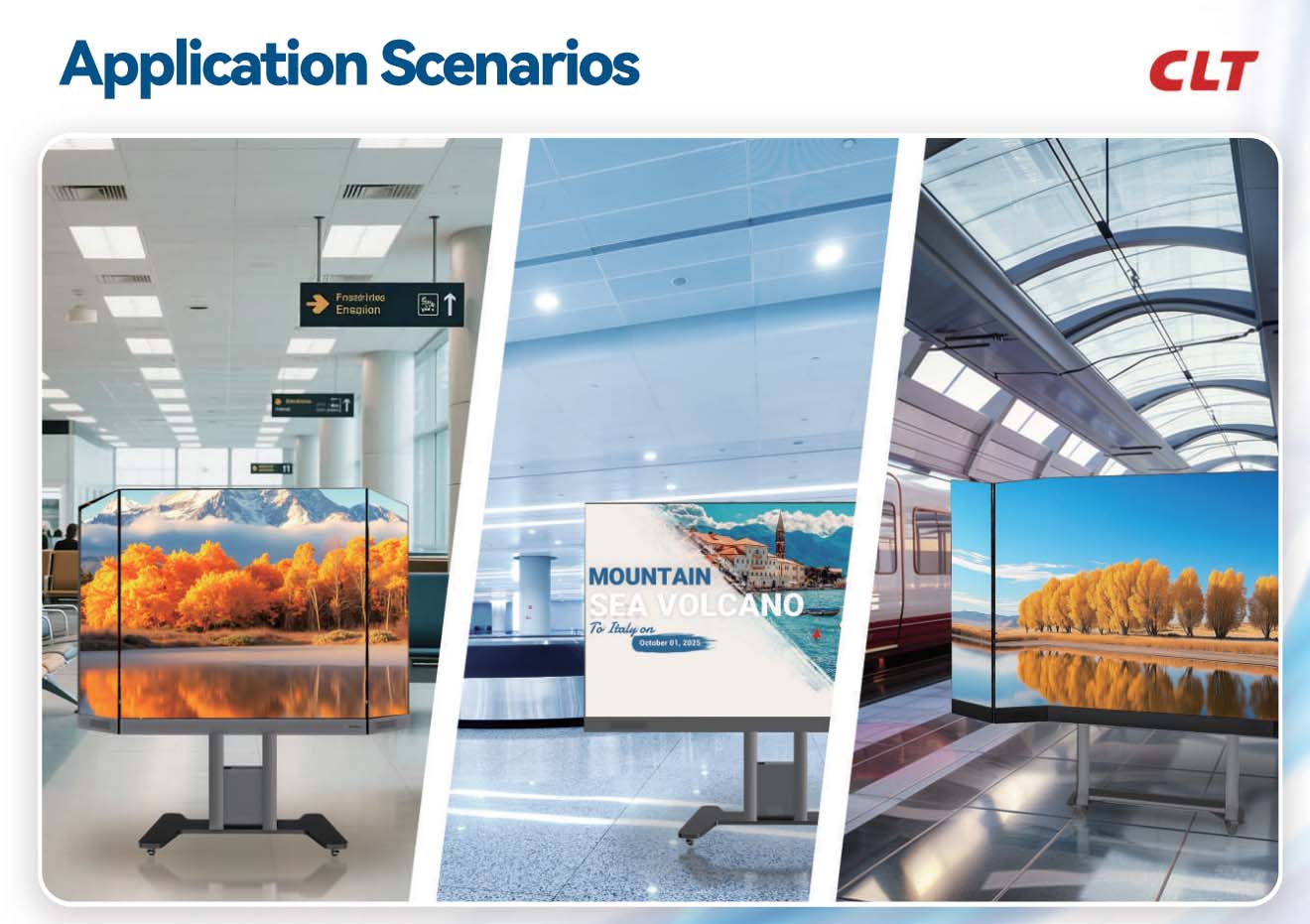
Retail & Brand Showrooms: High-impact digital poster screens (like the CLT X-POSTER) that draw foot traffic with vibrant, dynamic advertising that can be updated instantly via mobile apps.
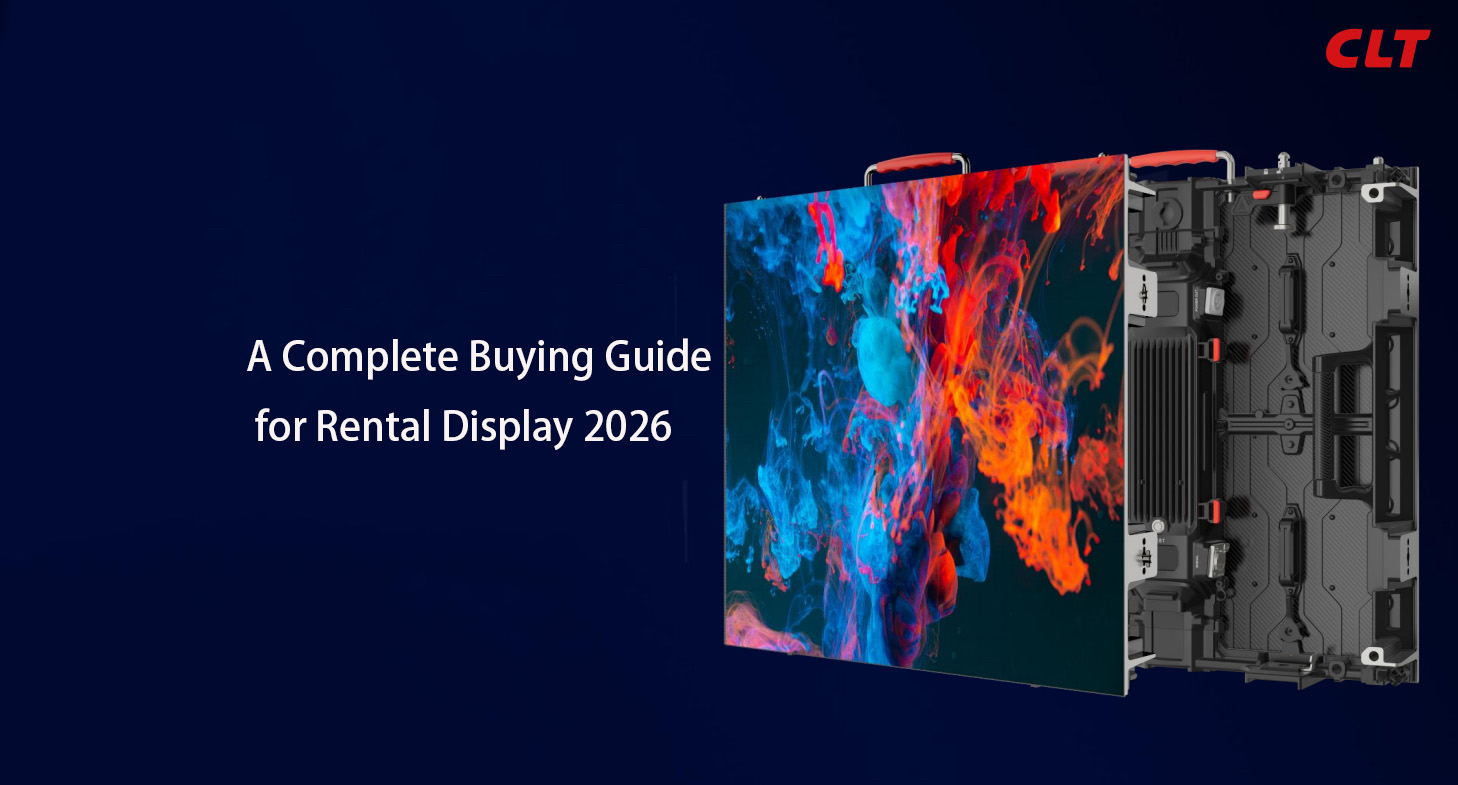
Live Events & Stage Rentals: Lightweight, modular LED cabinets designed for quick assembly and disassembly, allowing production teams to build massive, immersive backdrops for concerts and exhibitions.
Outdoor Digital Out-of-Home (DOOH): Weatherproofed, high-nit displays built to survive rain, dust, and direct afternoon sunlight while remaining perfectly legible from hundreds of feet away.
Feature / Metric
Direct View LED (DVLED)
Traditional LCD Video Wall
Bezels & Seams
100% Seamless (Modular design)
Visible seams (1.5mm to 3.5mm borders)
Max Brightness
Very High (800 – 8,000+ nits)
Moderate (400 – 700 nits)
Contrast & Blacks
Excellent (True blacks via pixel-off)
Moderate (Backlight bleeding occurs)
Lifespan
~100,000 Hours
~50,000 Hours
Common Uses
Lobbies, billboards, control rooms, events
Meeting rooms, menu boards, retail signage
Measure your viewing distance: Multiply the pixel pitch by 1 meter (e.g., a P1.5 screen looks best from 1.5 meters away or further).
Assess ambient light: Indoor spaces with standard lighting need 600–1000 nits; outdoor spaces facing direct sunlight require at least 5,000 nits.
Check environmental factors: If the screen is going into a high-traffic hallway or school, opt for impact-resistant COB technology over fragile SMD.
Before investing in a commercial LED display setup, keep these engineering realities in mind:
Power & Heat Management: Large LED displays draw significant power and generate heat. Ensure your venue has the proper electrical infrastructure, and look for displays utilizing common cathode technology, which optimizes power distribution to run up to 30% cooler.
Maintenance Access: Depending on your architectural layout, you must choose between Front Access or Rear Access modules. Wall-mounted screens require front-serviceable cabinets so components can be popped out using a vacuum tool without tearing down the entire wall structure.
You can, but it usually isn't a good idea for commercial spaces. Consumer TVs are built to run for about 6–8 hours a day and lack the cooling systems required for 24/7 use. They also top out at around 300 nits of brightness, which means your content will look washed out if your office or store has large windows. Commercial LED displays are built from the ground up for heavy duty use and high-brightness environments.
Unlike a standard TV where a dead pixel means replacing the whole screen, LED displays are completely modular. If a diode goes down, you don't throw away the wall. A technician can use a magnetic tool to pull out that specific small LED module (usually a 250x250mm square) and swap it with a spare module in under two minutes, keeping your downtime close to zero.
Not necessarily. While a smaller pixel pitch (like P0.9) offers incredible close-up resolution, it is also significantly more expensive. If you are mounting a screen high up on a church wall or an outdoor billboard where the closest viewer is 10 meters away, a P4 or P5 screen will look flawlessly sharp to the naked eye, saving you thousands of dollars in unnecessary pixel density.
They do require more power than a single office monitor simply because of their scale, but they are highly energy-efficient on a per-lumen basis. Modern screens use smart brightness sensors that automatically dim the display at night or on cloudy days, which slashes ongoing operational costs.
An LED display is more than just a screen—it’s an architectural tool that completely reshapes how people interact with your brand, your data, and your space. Whether you're mapping out a high-definition video wall for a command center or setting up a plug-and-play mobile display for a retail storefront, finding the right hardware configuration is what sets you apart.
Don't settle for standard screens when you can build an experience. Let's find your perfect match:
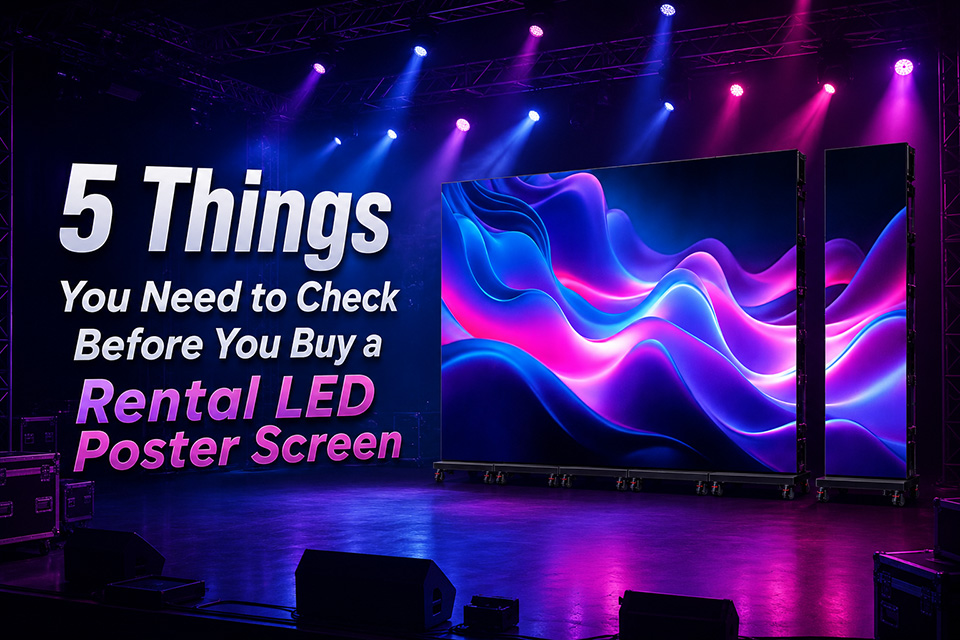
Smart Event Planning: Sifting through rental options? Avoid the common pitfalls with our deep-dive guide: LED Poster Screen for Rental: 5 Things You Need to Check Before You Buy.
Tailored Engineering: Ready to bring a custom vision to life? Learn more about our Custom Solutions today for a tailored engineering blueprint and a no-obligation quote.
2026.07.07
2026.06.27
2026.06.11
2026.06.05
2024.09.10
 中文
中文 English